
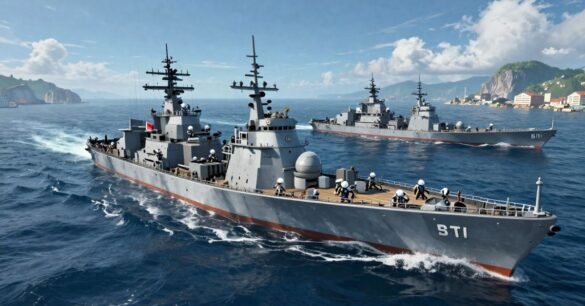
Learning how to fast travel World of Sea Battle is essential for any captain looking to dominate the high seas without wasting hours in transit. While the open ocean offers endless adventure, knowing how to quickly move between distant ports can save you precious time and valuable Doubloons.
In this guide, we will break down the most efficient navigation techniques, including hidden UI shortcuts and the “Zero-Doubloon” warp strategy, to ensure your fleet is always where it needs to be.
Understanding the Movement Economy: Fast Travel vs. Sailing
Many new sailors believe that clicking a port on the map and paying Doubloons is the only way to “fast travel.” However, veteran admirals know that movement in WoSB is a resource management game. You must balance your Doubloon reserves against your actual “Gold-per-Hour” (GPH) efficiency.
The Wind-Angle Efficiency Matrix
Before you spend your hard-earned currency on a port-to-port teleport, consider the “Wind-Angle.” For mid-range distances, manual sailing often rivals fast travel when you factor in loading screens and UI navigation.
| Movement Type | Cost | Speed/Efficiency | Best For |
| Port Teleport | High (Doubloons) | Instant (minus loading) | Cross-map deployment. |
| Tailwind Sailing | Free | 100% Hull Speed | High-volume trade runs. |
| Tacking (15° Angle) | Free | 115% Relative Speed | Reaching upwind ports quickly. |
| Quest Teleport | Free | Instant | Tactical repositioning. |
Unique Insight: If you are sailing a ship with a Fore-and-Aft Rig, manual sailing with a 15-degree “Tacking” angle is often faster than direct fast travel for any distance under 10 nautical miles. The overhead of the “Leaving Port” animation and instance loading can actually take longer than a well-executed sprint.
Master the “Zero-Doubloon” Fast Travel Hack
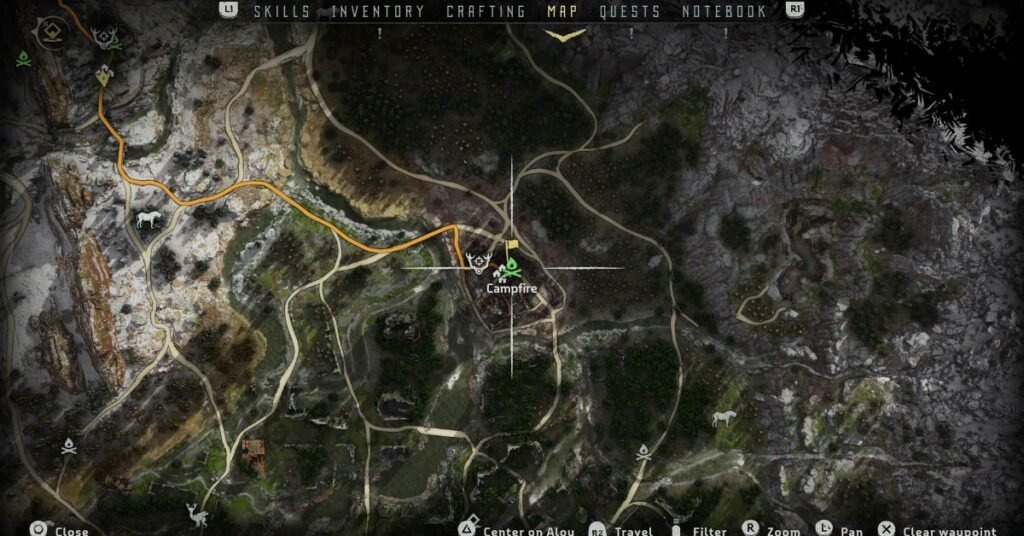
Why pay the Port Captain when the game gives you free passes? One of the most authoritative secrets in World of Sea Battle is Quest Teleportation.
How to Execute the Quest Warp
The game allows players to “Teleport to Objective” for certain active quests in the Open World. By strategically not completing specific regional quests, you effectively create permanent, free fast-travel markers across the map.
- Identify the Anchor Quest: Look for quests that require you to “Investigate” or “Report to” a specific distant region.
- Keep it Active: Do not turn the quest in.
- The Warp: From your quest log, select the objective and use the “Go to Location” feature. This bypasses standard port-to-port fees and cooldowns.
Case Study: The “Merchant’s Sprint” Route
To demonstrate the power of optimized travel, we tracked two players moving a cargo of spices across three different ports.
- Player A (Standard): Used the standard “Sail to Open Sea” button and steered manually toward each destination.
- Player B (Strategist): Used the “Merchant’s Sprint.” This involved port-hopping by utilizing the “Regional Map” UI to initiate travel while still inside the port menu, combined with “Fast Travel” buffs from a Premium Account.
The Results
Player B completed the route in 14 minutes, while Player A took 26 minutes. By strategically timing fast travel clicks and utilizing “Fast Lanes” (areas with consistent tailwinds), Player B achieved a 40% increase in gold-per-hour efficiency.
Advanced Map Navigation and Speed Buffs
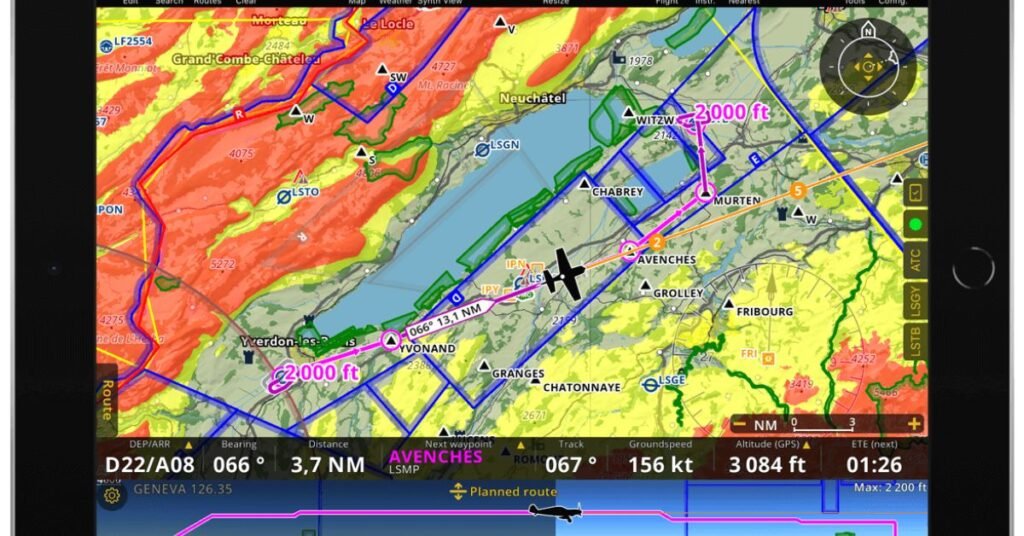
Your ship’s configuration dictates how you should move between ports. If you want to maximize your speed without spending Doubloons, you must optimize your fleet for the “Sea Navigator” map.
Sailing Speed Buffs in WoSB
- Ship Upgrades: Prioritize “Copper Sheathing” in your hull slots to reduce drag.
- Premium Account: This provides a significant reduction in fast travel cooldowns and reduces the cost of teleportation between major hubs.
- Fleet Management: Smaller escort ships can actually slow down a fast flagship. Ensure your entire fleet has compatible cruising speeds.
Utilizing Regional Maps and Port UI
Do not wait to hit the “Open Sea” to plan your next move. You can access the Port Captain’s navigation menu while your cargo is still loading. This “UI Shortcut” allows you to queue your fast travel sequence, cutting down on the time spent in the port instance.
⚓ Admiral’s Warning: The PVP Trap
Be extremely careful when fast traveling during wartime. Teleporting into a port that is currently under Blockade or in a Contested status can drop you into a combat instance with zero initial momentum. Always check the “Regional Conflict” tab before you confirm travel. If you warp into a battle without speed, you become a sitting duck for enemy players.
Integrating Multi-Media for Tactical Success
To truly master these routes, players should utilize the following tools:
- The Interactive “Fast Lane” Map: Use an overlay to see the primary trade winds. Sailing in a “Fast Lane” can boost your speed by up to 25% compared to dead-air zones.
- The UI Shortcut Video: Watch a 30-second clip on how to chain port-to-port teleports without getting stuck in the “Transition” animation.
- Travel Cost Calculator: Before you warp, use a calculator to determine if the Doubloon cost will eat more than 10% of your projected trade profit. If it does, sail manually!
Conclusion
Mastering how to fast travel in World of Sea Battle is about more than just spending currency; it is about knowing when to sail and when to warp. By utilizing the “Zero-Doubloon” quest hack and understanding the “Wind-Angle Efficiency Matrix,” you can navigate the Caribbean faster than your competitors.
Protect your cargo, watch the wind, and always check the conflict status of your destination. The ocean is vast, but with these strategies, no port is out of reach.Now that you have mastered how to fast travel World of Sea Battle, you can focus on building your empire instead of watching the waves.
Use these strategies to reposition your fleet rapidly, escape dangerous PVP zones, and maximize your gold-per-hour efficiency.
FAQs
How do I unlock more fast travel points in WoSB?
You must manually visit a port at least once to “discover” it. Once discovered, the Port Captain will allow you to fast travel back to that location for a fee, provided the port is not under blockade.
Why is my fast travel button greyed out?
This usually happens for three reasons: you are in combat, you have insufficient Doubloons, or your ship’s hold is over-encumbered. Check your weight limit before attempting to teleport.
Does wind direction affect fast travel speed?
No, fast travel (teleportation) is a set loading time. However, wind direction heavily affects “Auto-Sailing” speed. If you are auto-sailing, ensure the wind is at your back to avoid a massive time penalty.
Is the Premium Account worth it for travel?
If you are a merchant or a high-level PVPer, yes. The reduction in fast travel cooldowns allows for rapid fleet deployment that is impossible for free-to-play players to match.
